
Cudy RE300 - N300 Wi-Fi Mesh Repeater
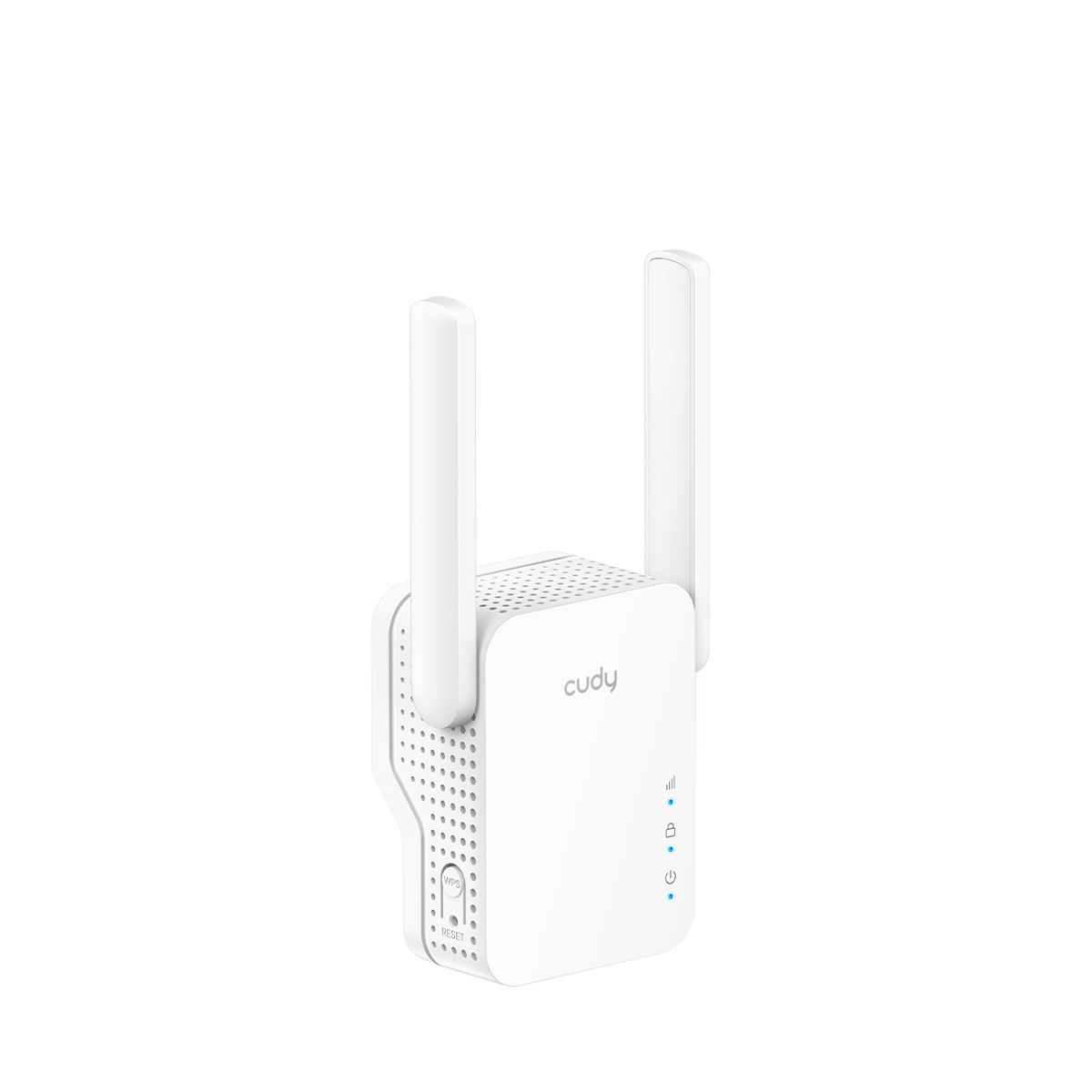
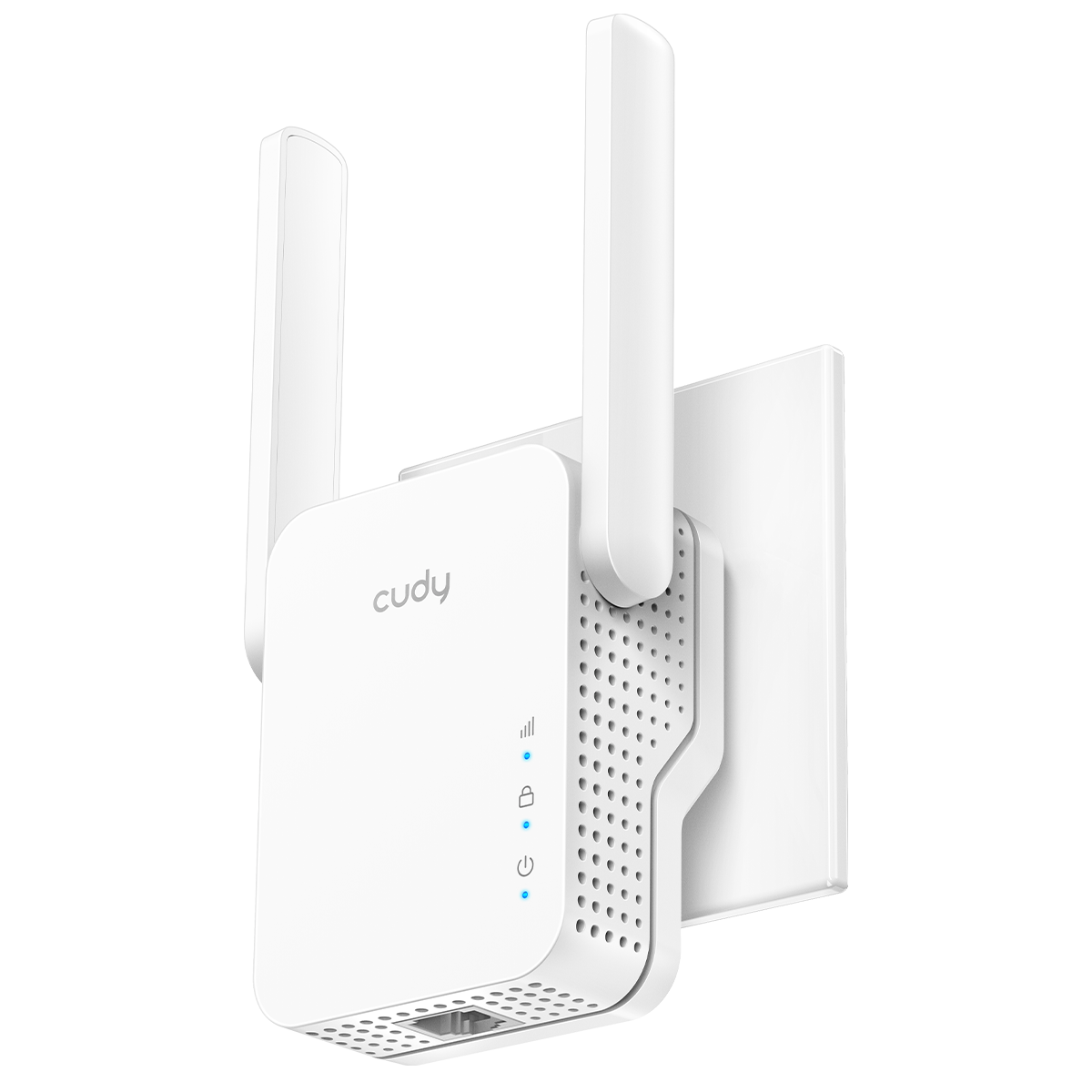
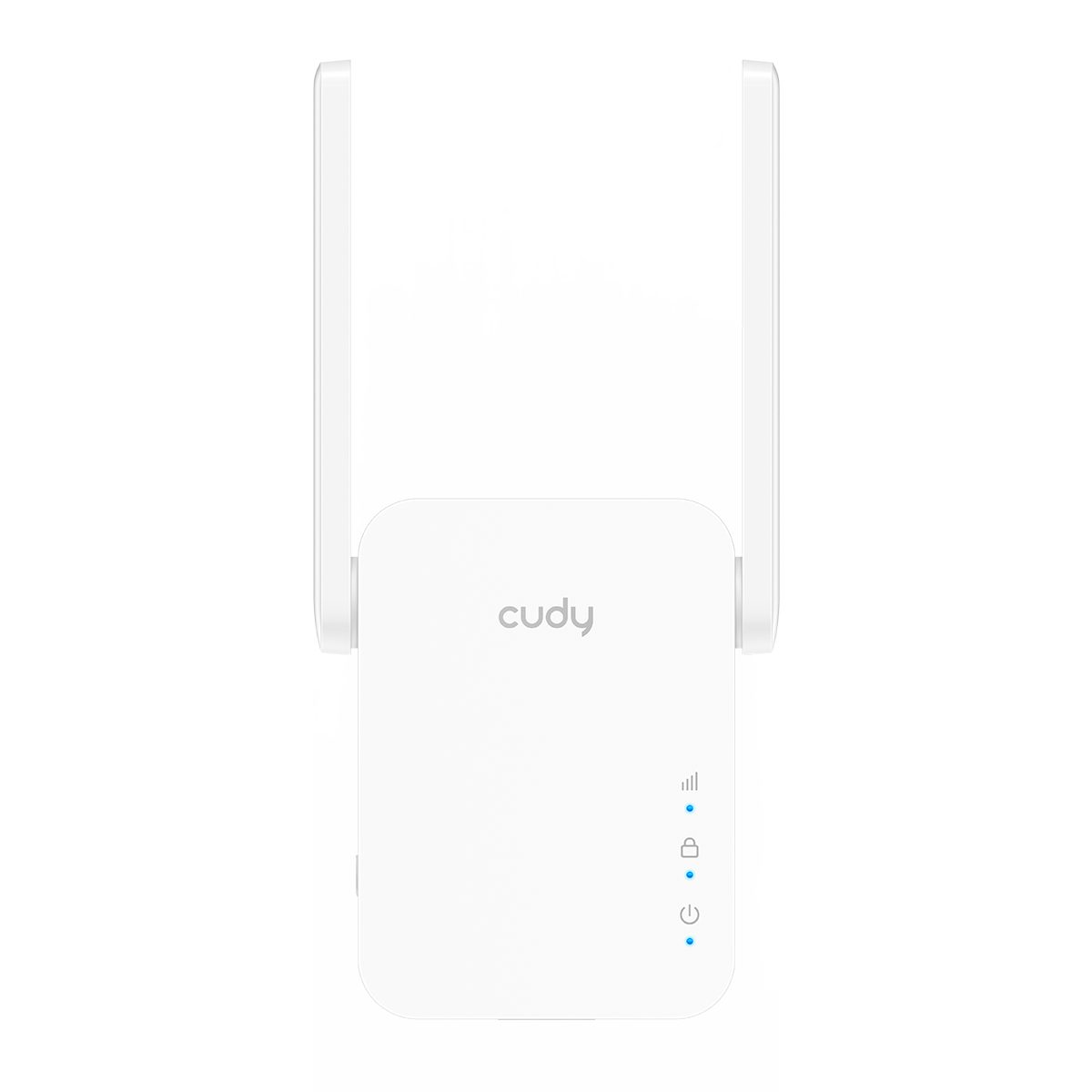
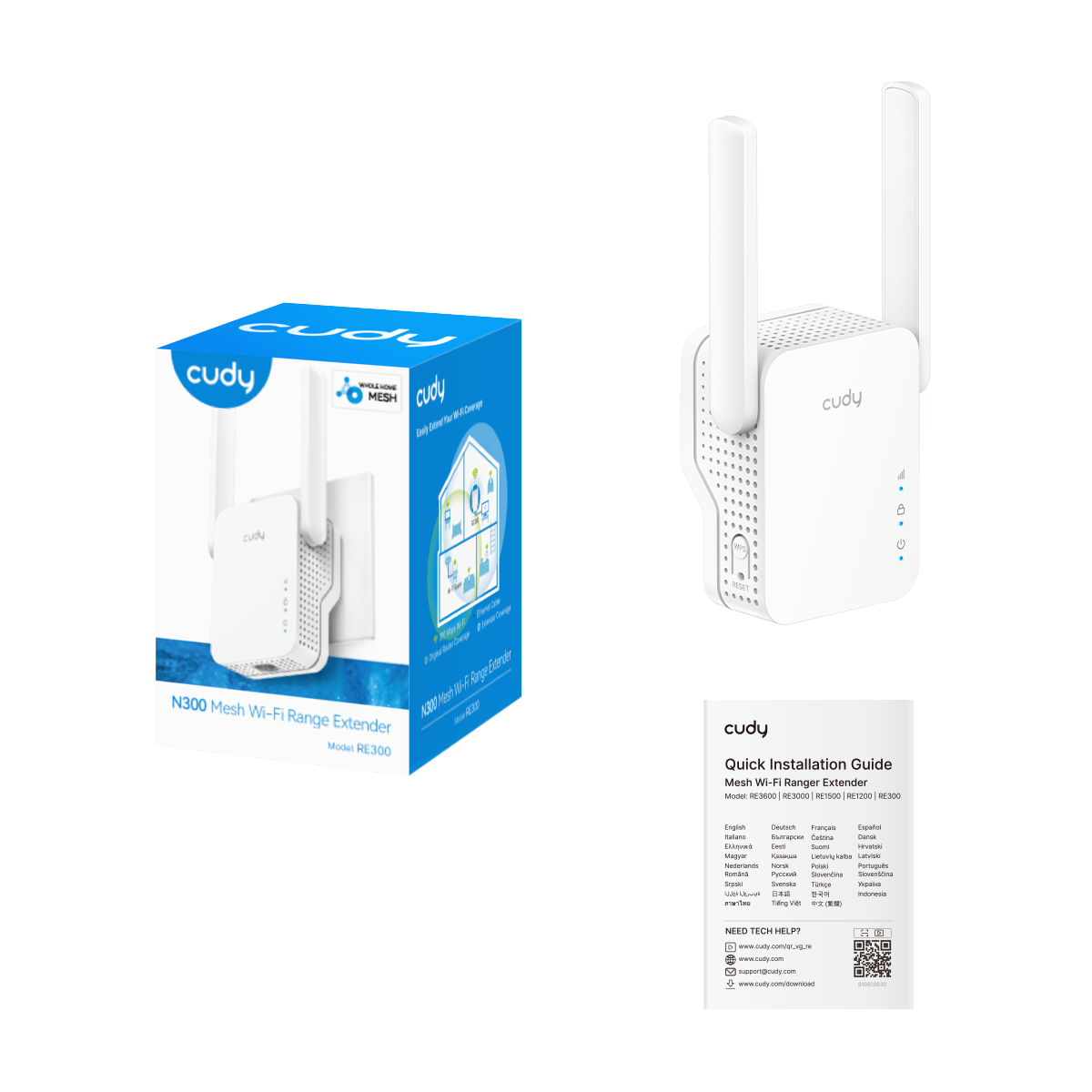
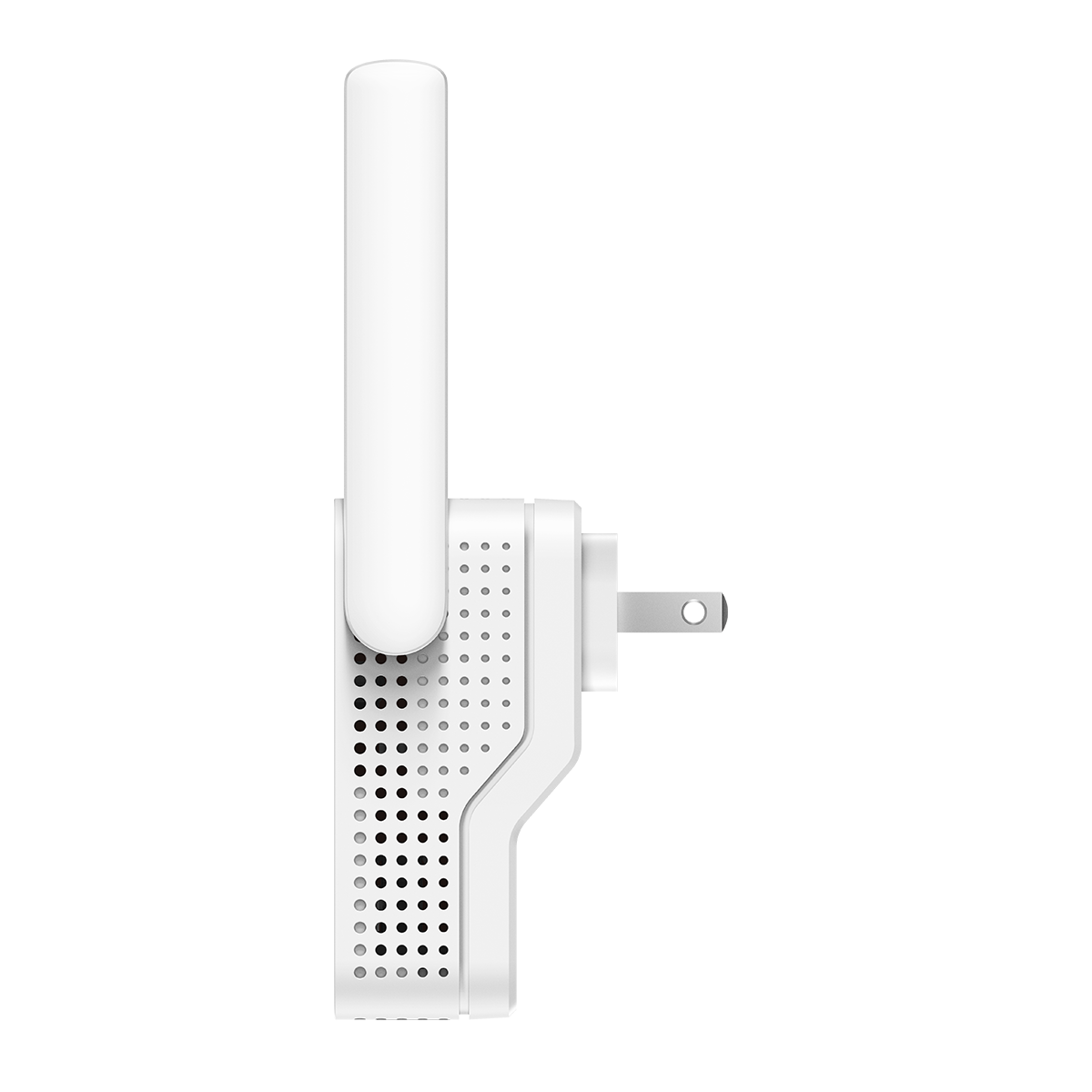
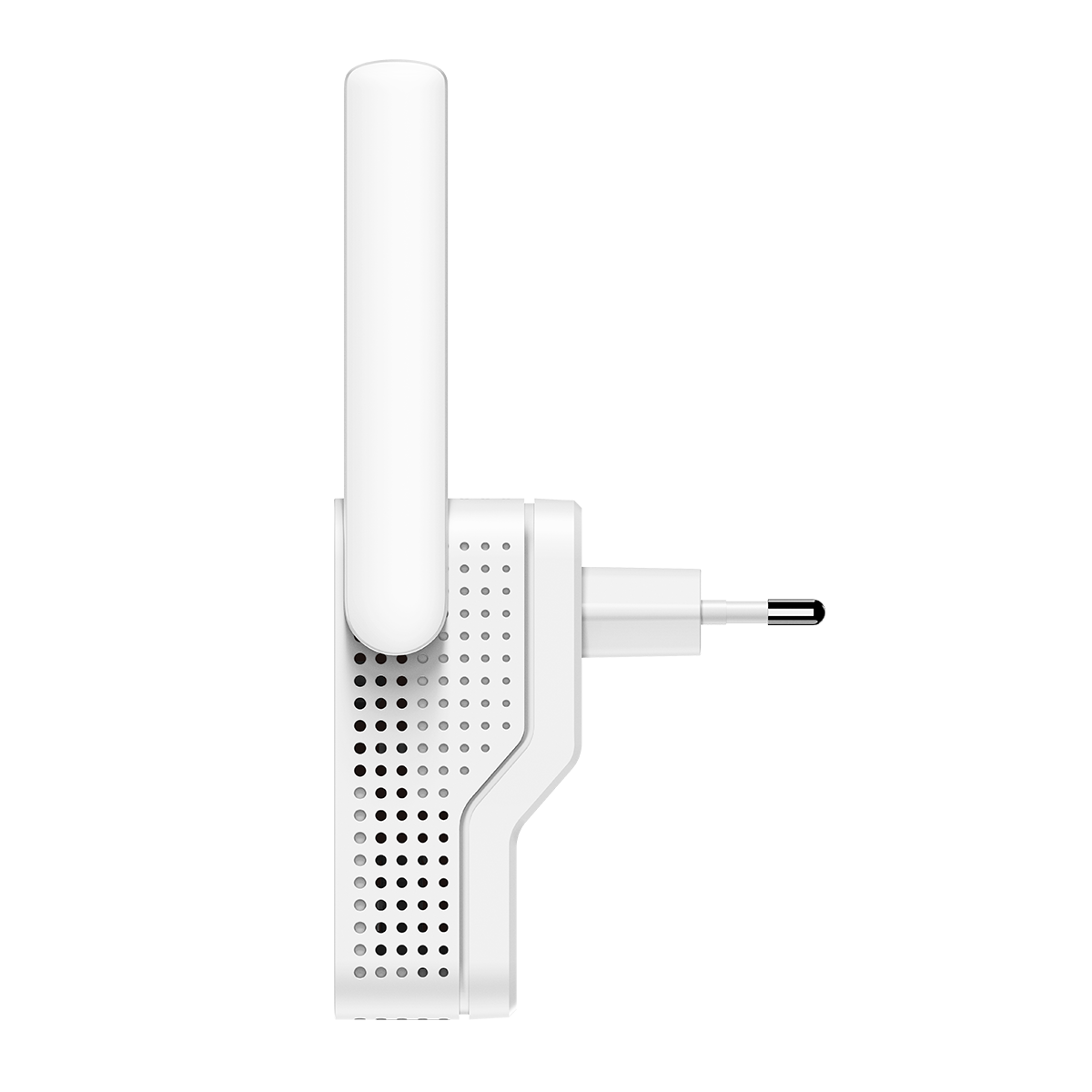
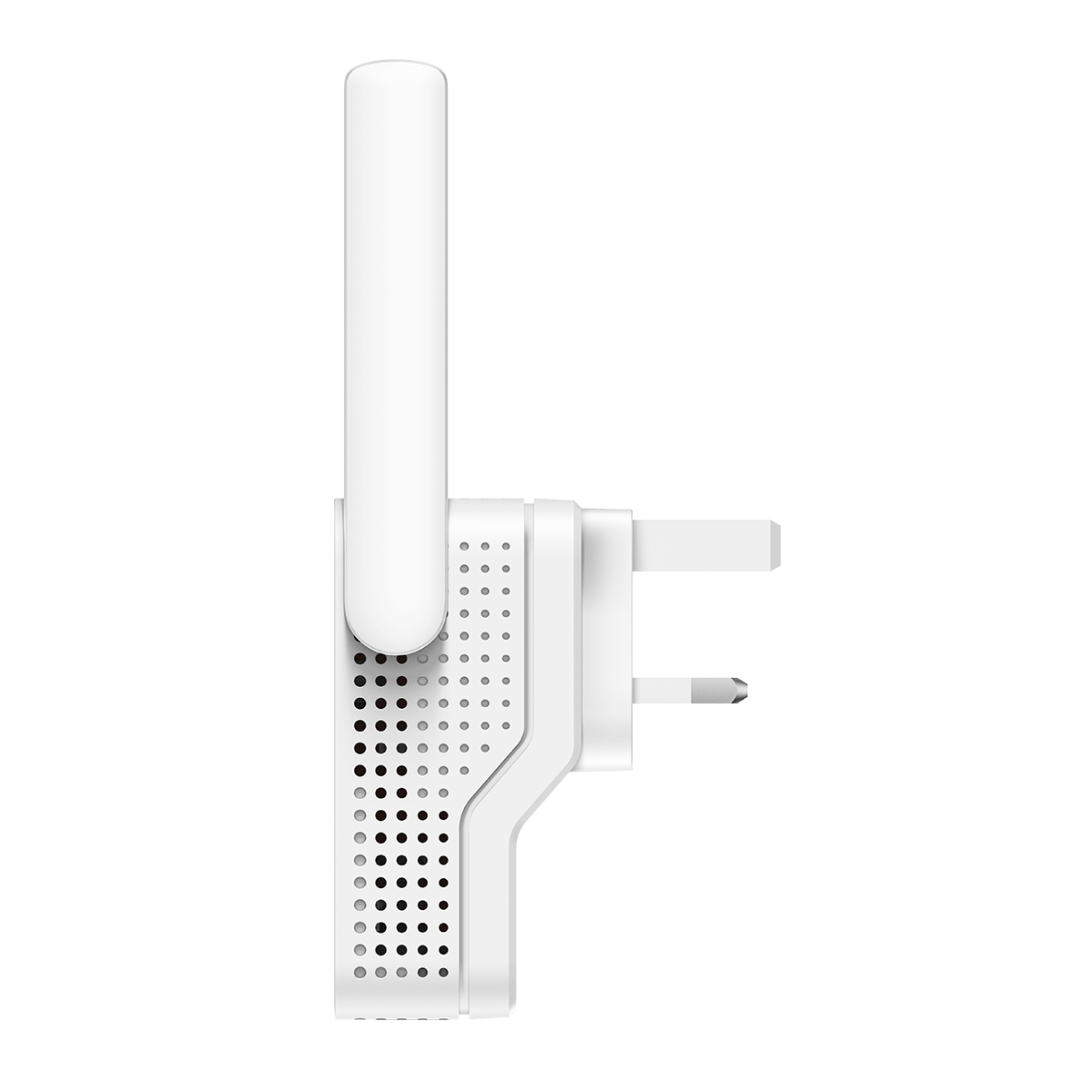
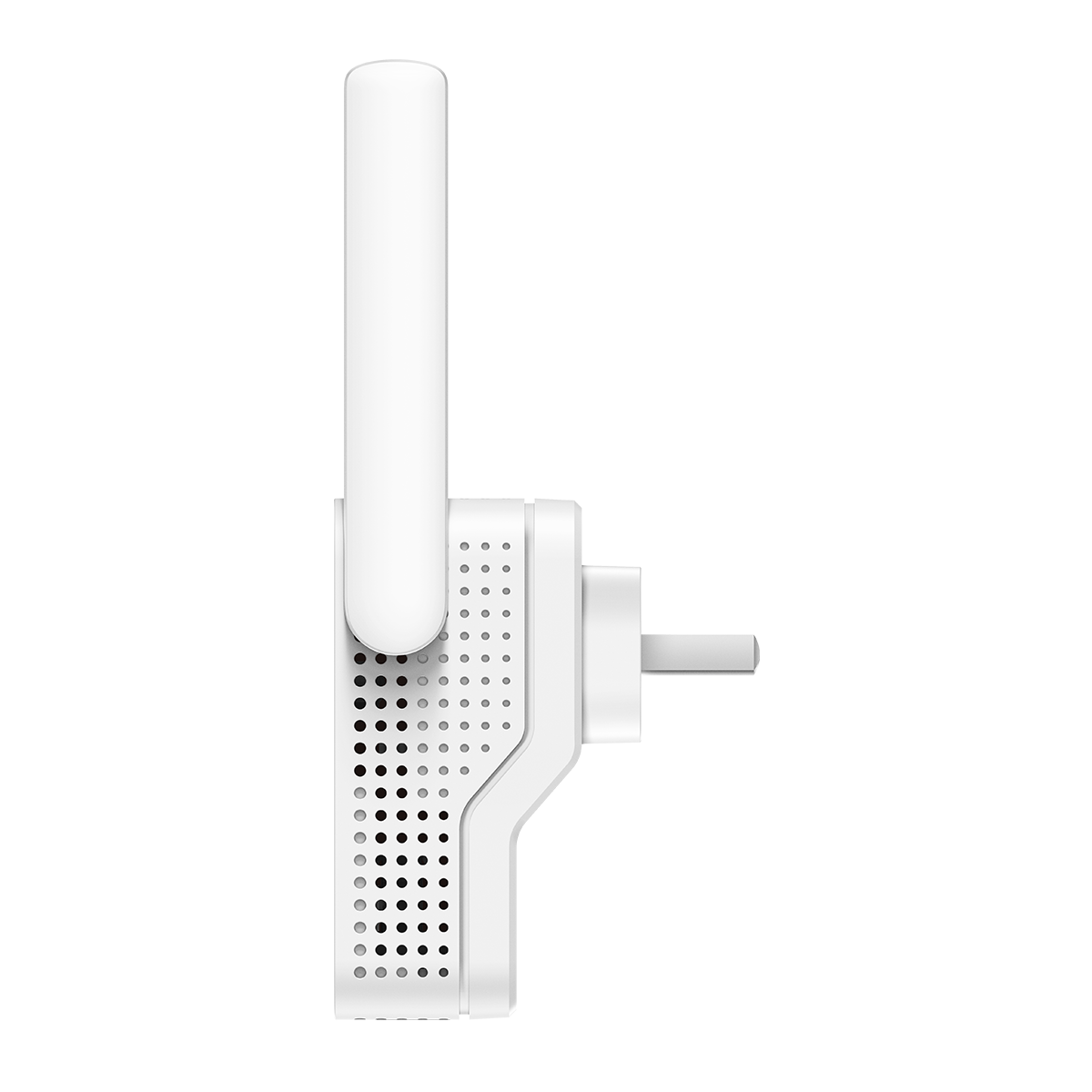
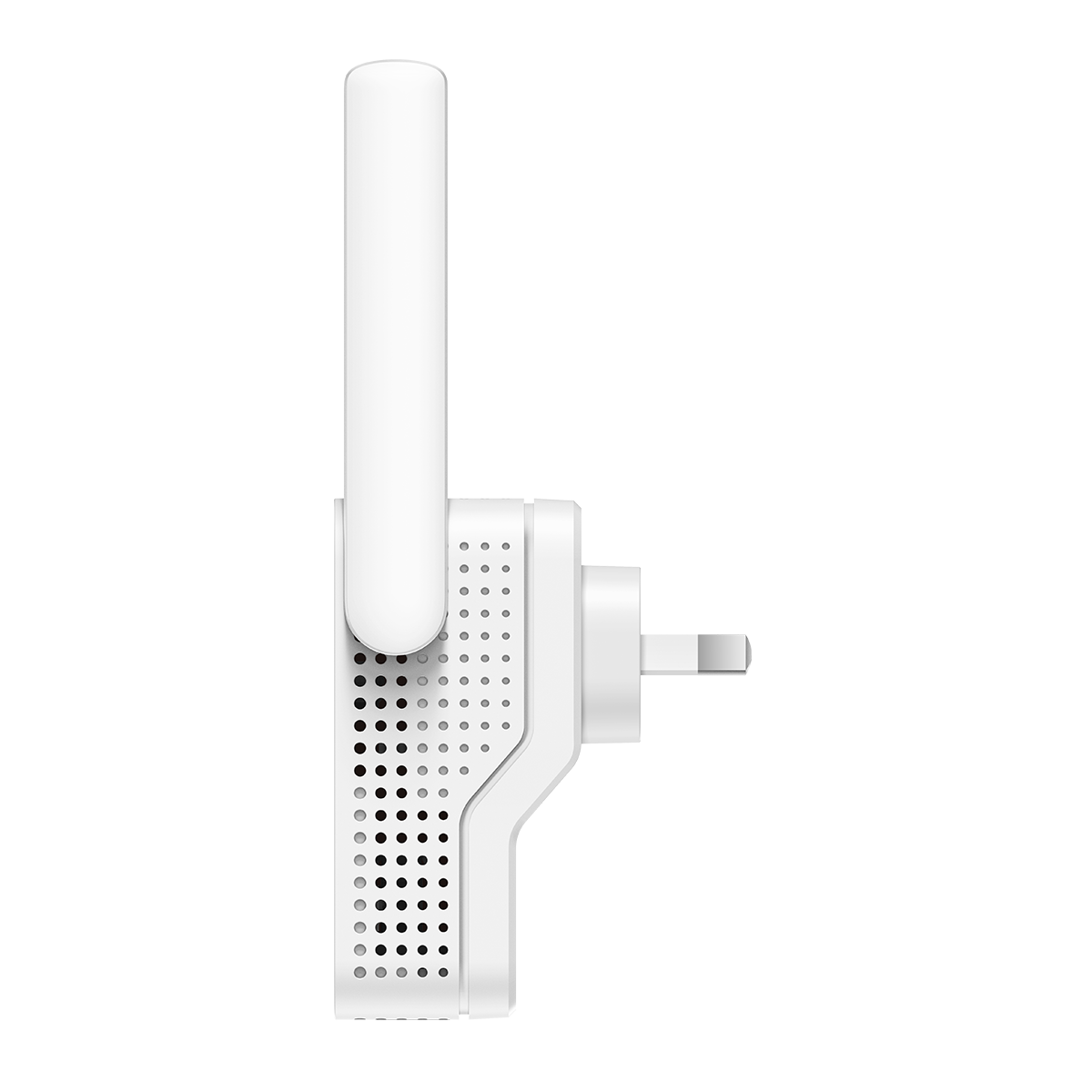
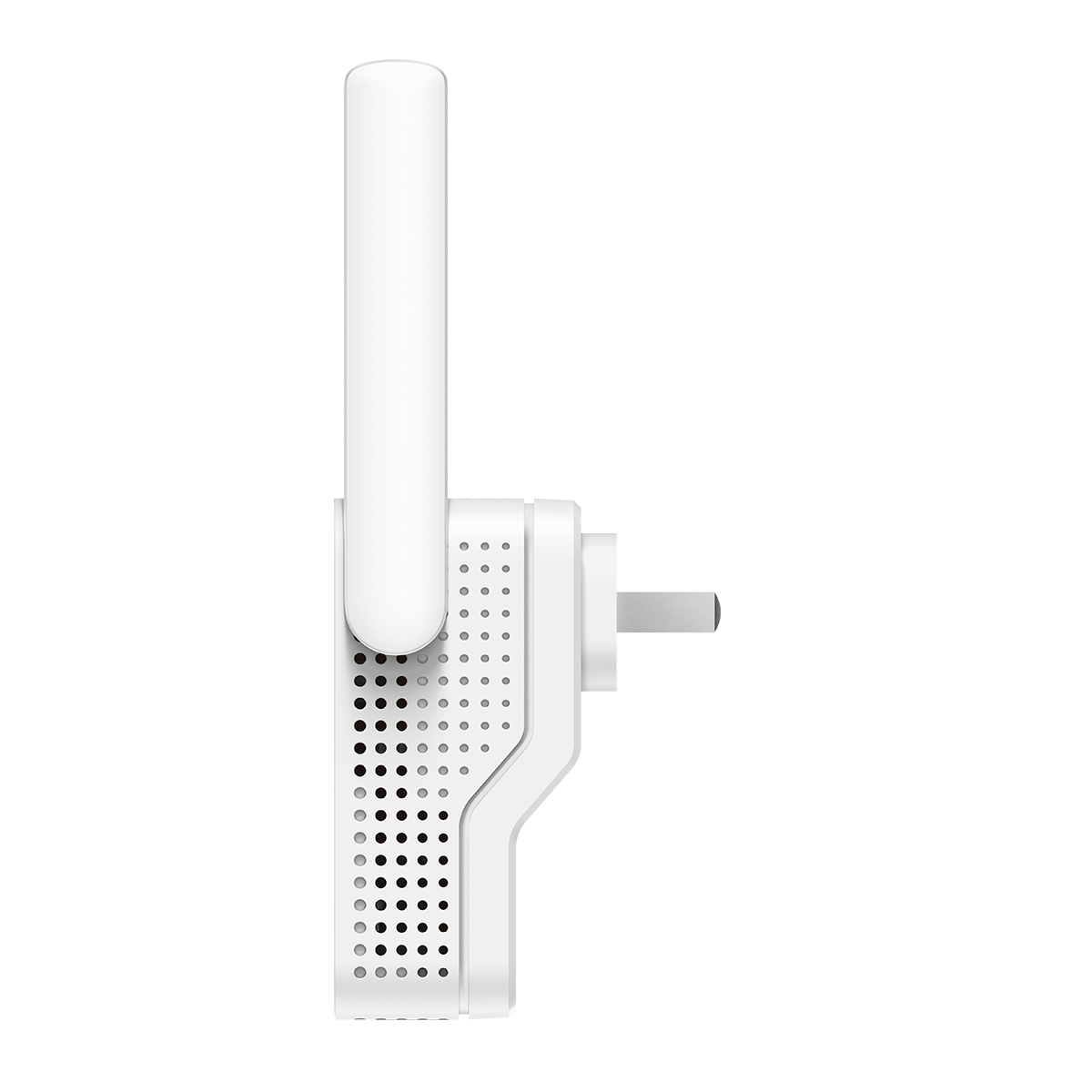
CUDY RE300 N300 Wi-Fi Mesh Repeater
Overview:
The CUDY RE300 is an N300 Wi-Fi 4 mesh repeater for SMB and office environments that need to eliminate Wi-Fi dead zones. It integrates into an existing network through Repeater, Router and AP modes.
Description:
The RE300 provides a hardware power on/off switch, mode selector, WPS button, reset button, LAN port, WAN/LAN port, and WLAN, Power/WPS, WAN/LAN and LAN LED indicators. In Repeater mode, the selector is set to the Repeater position, the device is plugged into a power outlet, and the power LED is confirmed solid green before setup.
Setup is performed from a web browser at http://ap.setup/ or 192.168.10.254. The default SSID is Cudy-RE300 and the default login password is admin. The setup wizard lets you select the host Wi-Fi SSID and enter its password, then either keep the same SSID or create a new name for the extended network. WPS pairing is also available by holding the WPS button for 5-6 seconds and then pressing WPS on the router within two minutes.
The device also supports Router and AP modes. Router mode supports PPPoE, Static IP and Dynamic IP WAN types; AP mode obtains an IP address automatically from the upstream router or ISP DHCP server. For deployment, place the extender about halfway between the host router and the Wi-Fi dead zone; the intelligent signal indicator helps identify a suitable location. Firmware can be updated using a file downloaded from Cudytech.com, and changing the default admin password is recommended.
Key Highlights:
- N300 Wi-Fi 4 mesh range extender
- Repeater, Router and AP operating modes
- WPS push-button pairing and web setup wizard
- LAN port, WAN/LAN port, and WLAN/Power/WPS/WAN/LAN LED indicators
- Web-based management at http://ap.setup/ or 192.168.10.254
- Reset button and firmware upgrade support
Technical Specifications:
| Parameter | Value |
|---|---|
| Manufacturer | CUDY |
| Model | RE300 |
| Product Group | Wi-Fi 4 Range Extender |
| Wi-Fi Class | N300 |
| Operating Modes | Repeater, Router, AP |
| WPS | Supported |
| Network Ports | LAN Port, WAN/LAN Port |
| LED Indicators | WLAN LED, Power/WPS LED, WAN/LAN LED, LAN LED |
| Management Interface | Web browser |
| Default Management Address | http://ap.setup/ / 192.168.10.254 |
| Default SSID | Cudy-RE300 |
| Default Login Password | admin |
| Reset | Reset button |
| Firmware Upgrade | Supported |
| Router Mode WAN Types | PPPoE, Static IP, Dynamic IP |
| AP Mode IP Assignment | DHCP automatic |